
01
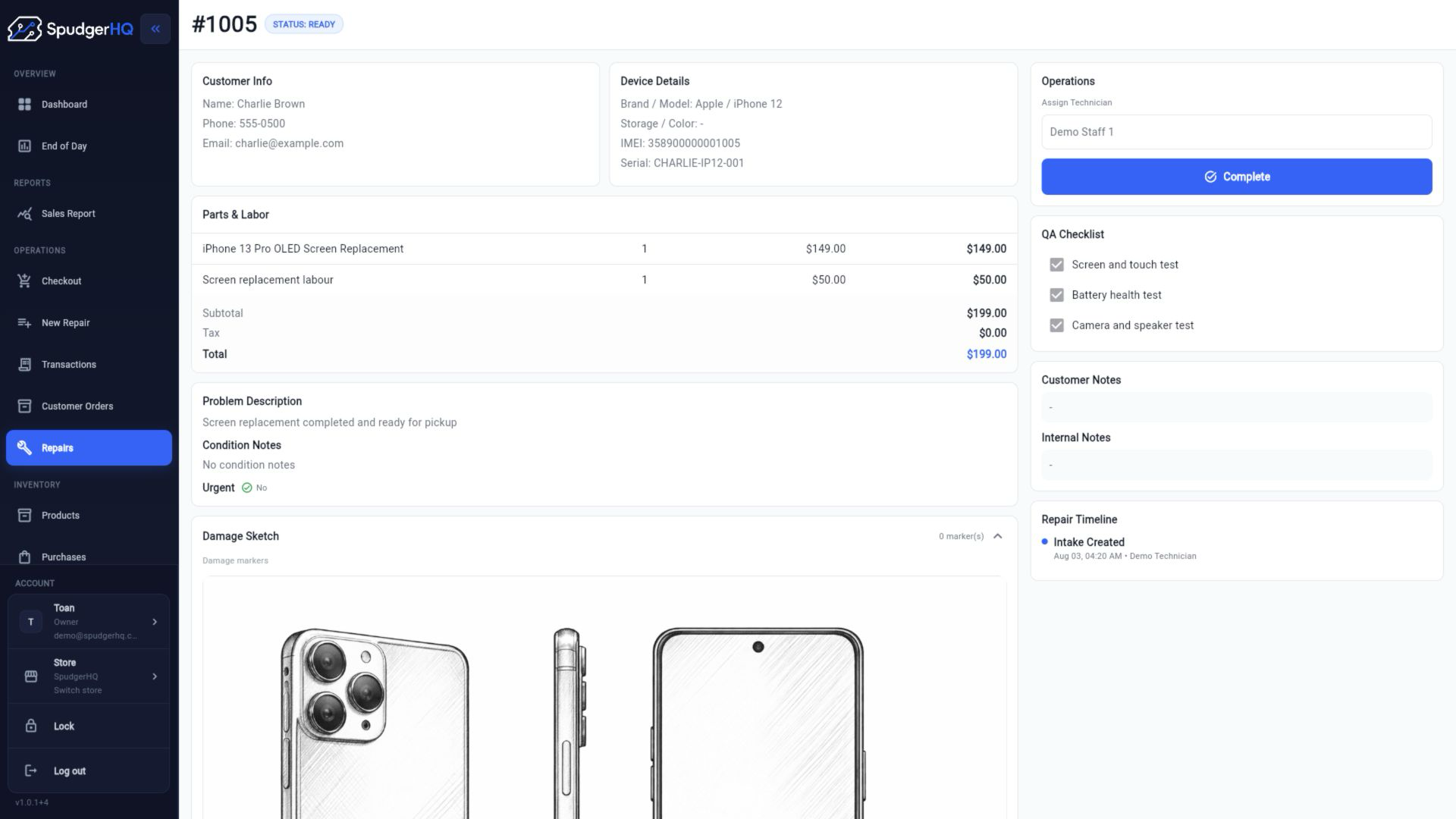
Document the device before you touch it.
Record existing damage visually during intake and keep the condition record with the repair.
Clearer intake records. Documented condition before work begins.
Phone repair shop software
Document devices, capture customer signatures, manage repairs, track parts and inventory, take payments and close the day — in one connected system.
14-day free trial · Paid plans from $3/month

What makes it different
SpudgerHQ connects the details that matter before, during and after a repair.
01
Record existing damage visually during intake and keep the condition record with the repair.
Clearer intake records. Documented condition before work begins.
02
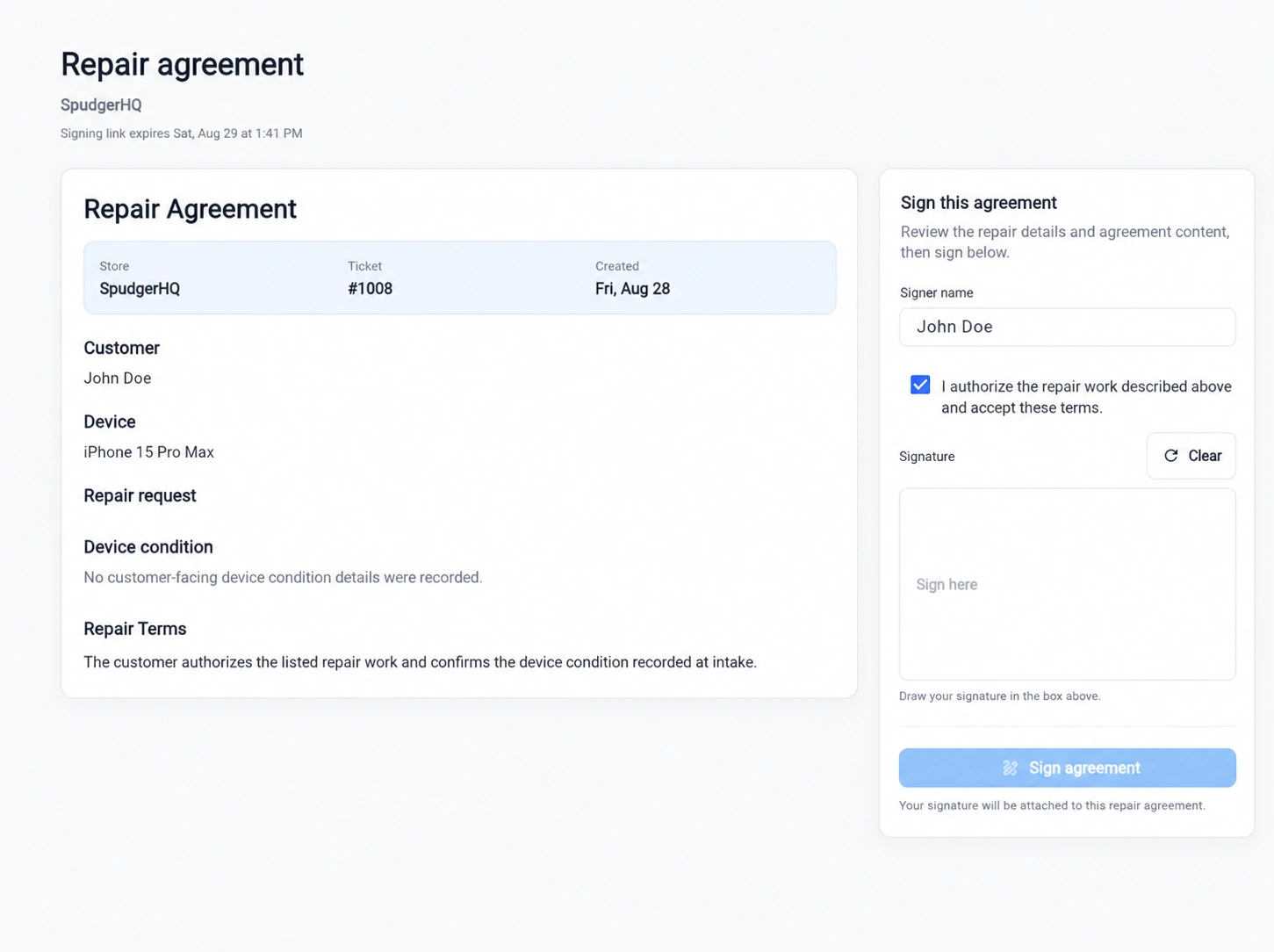
Prepare the repair agreement from the repair, let the customer review it, accept the terms and sign digitally.
Signed agreements stay connected to the repair they belong to.
03
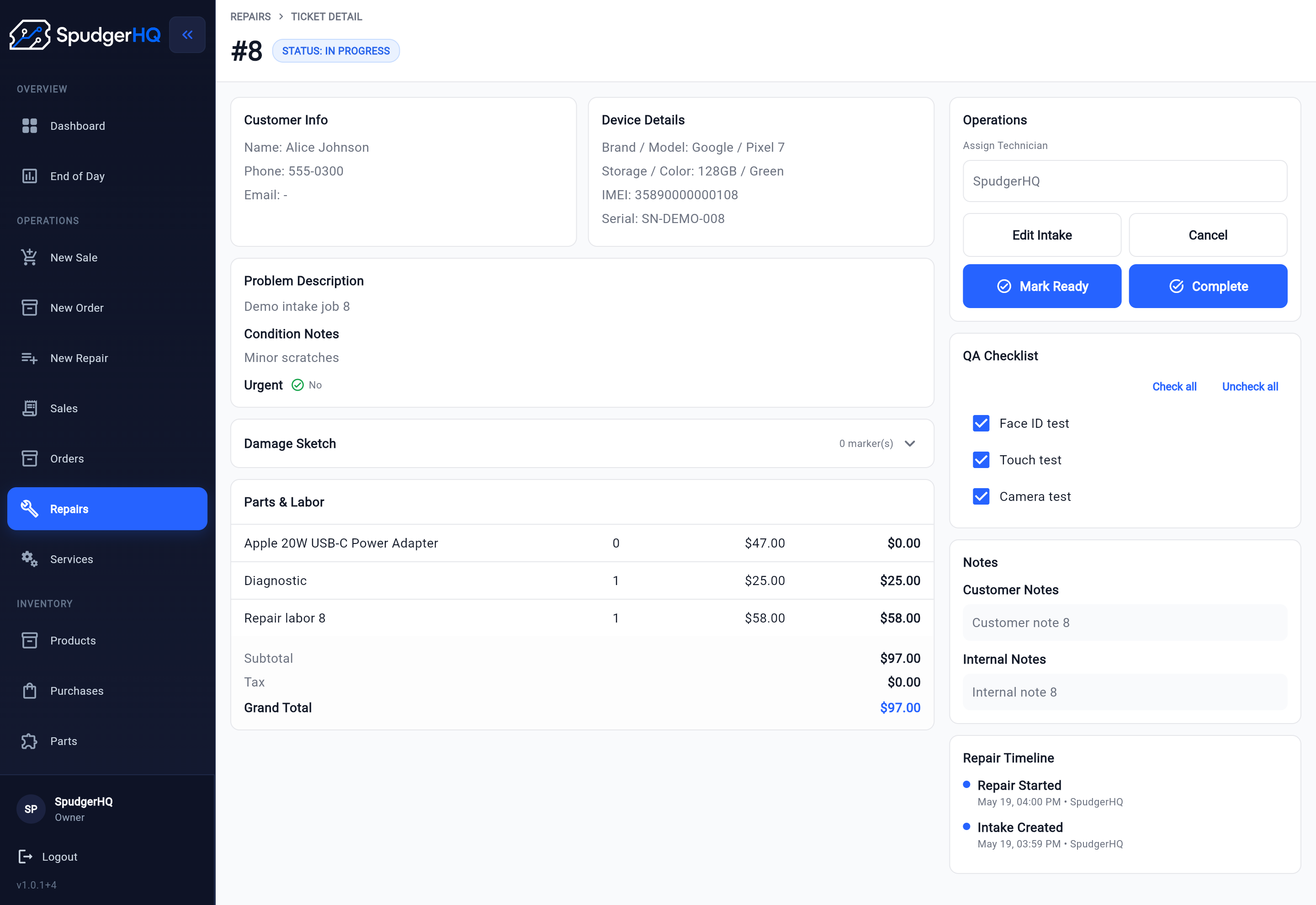
Build QA into the repair workflow, record checks and notes, and resolve required items before the repair moves forward.
A consistent handoff before the device goes back to the customer.
04
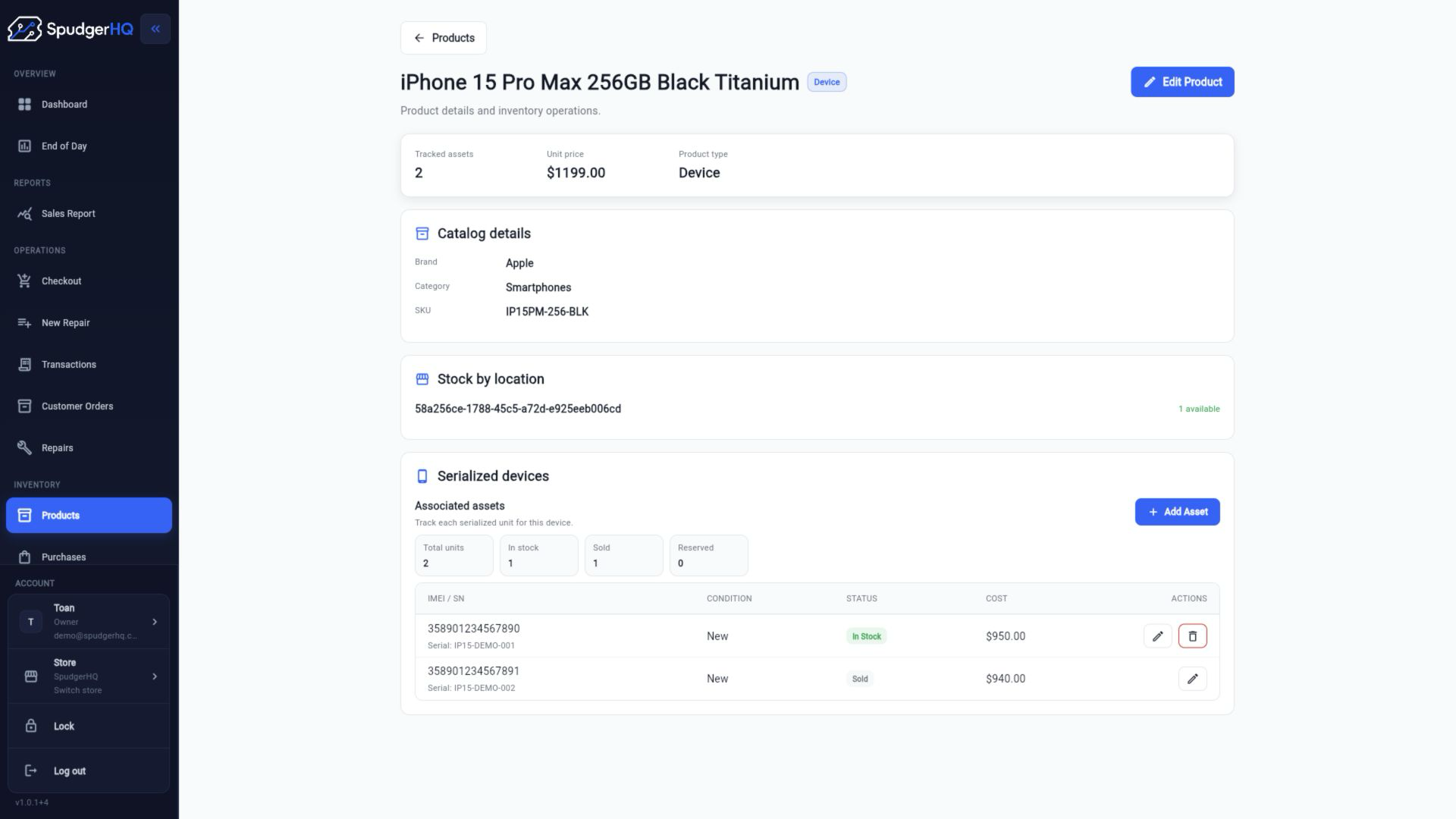
Track individually identifiable devices by IMEI or serial number and use the exact asset throughout receiving, inventory, sales and customer orders.
Know exactly which phone or device you're dealing with.
Built around a real repair counter
SpudgerHQ grew out of the day-to-day problems of a working cell phone repair shop — checking in devices, documenting damage, waiting on parts, tracking exact serialized phones, taking payments and closing out the day.
That’s why the workflow goes beyond repair tickets. The small operational details are part of the system too.
One connected workflow
The repair record moves with the job instead of being recreated across disconnected tools.
Purchasing feeds inventory. Inventory feeds repairs, checkout and customer orders. Payments feed reporting and End of Day. SpudgerHQ keeps those workflows connected instead of making the shop maintain separate systems.
See how SpudgerHQ supports the full shopIntake, agreements, parts, QA and payment stay with the repair from the first customer conversation to completion.
Explore faster repair intakePurchasing and receiving stay connected to serialized devices, labels, stocktakes and variance review.
POS, customer orders, deposits, transactions, reports and End of Day use the same products, customers and staff.
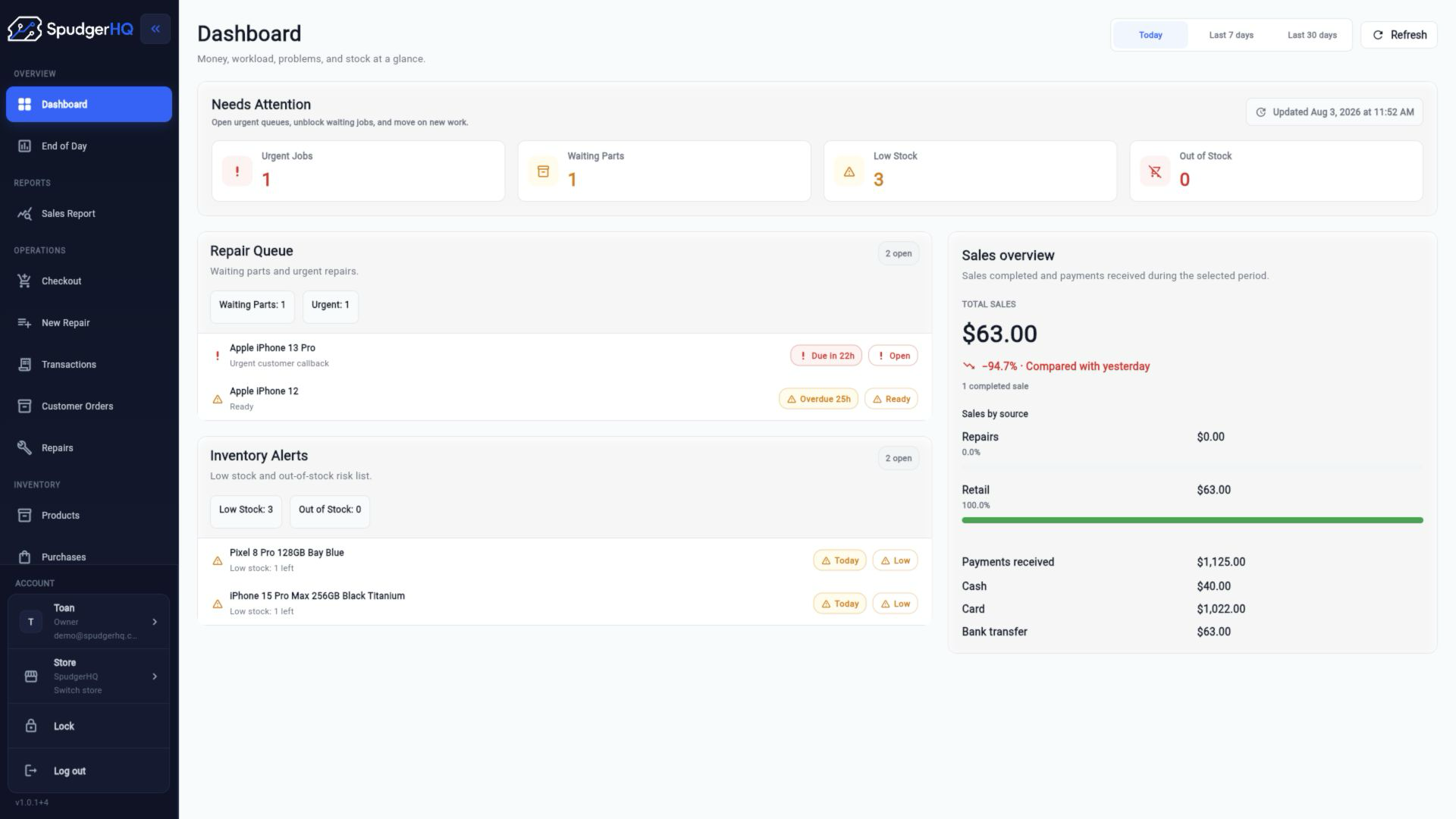
See which repairs can't move forward and keep the missing items attached to the job.
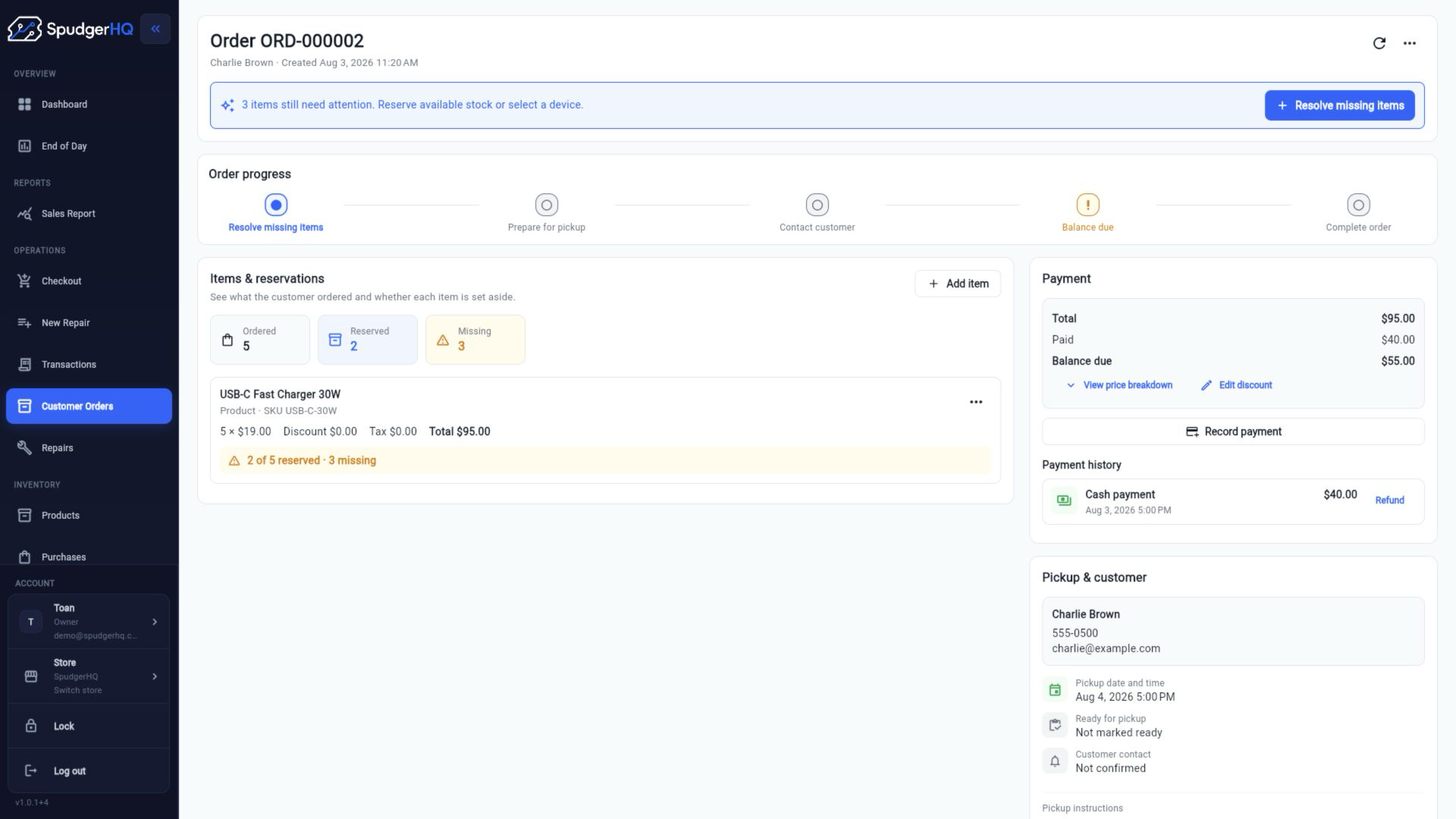
Reserve stock, take deposits and track the remaining balance until fulfillment.
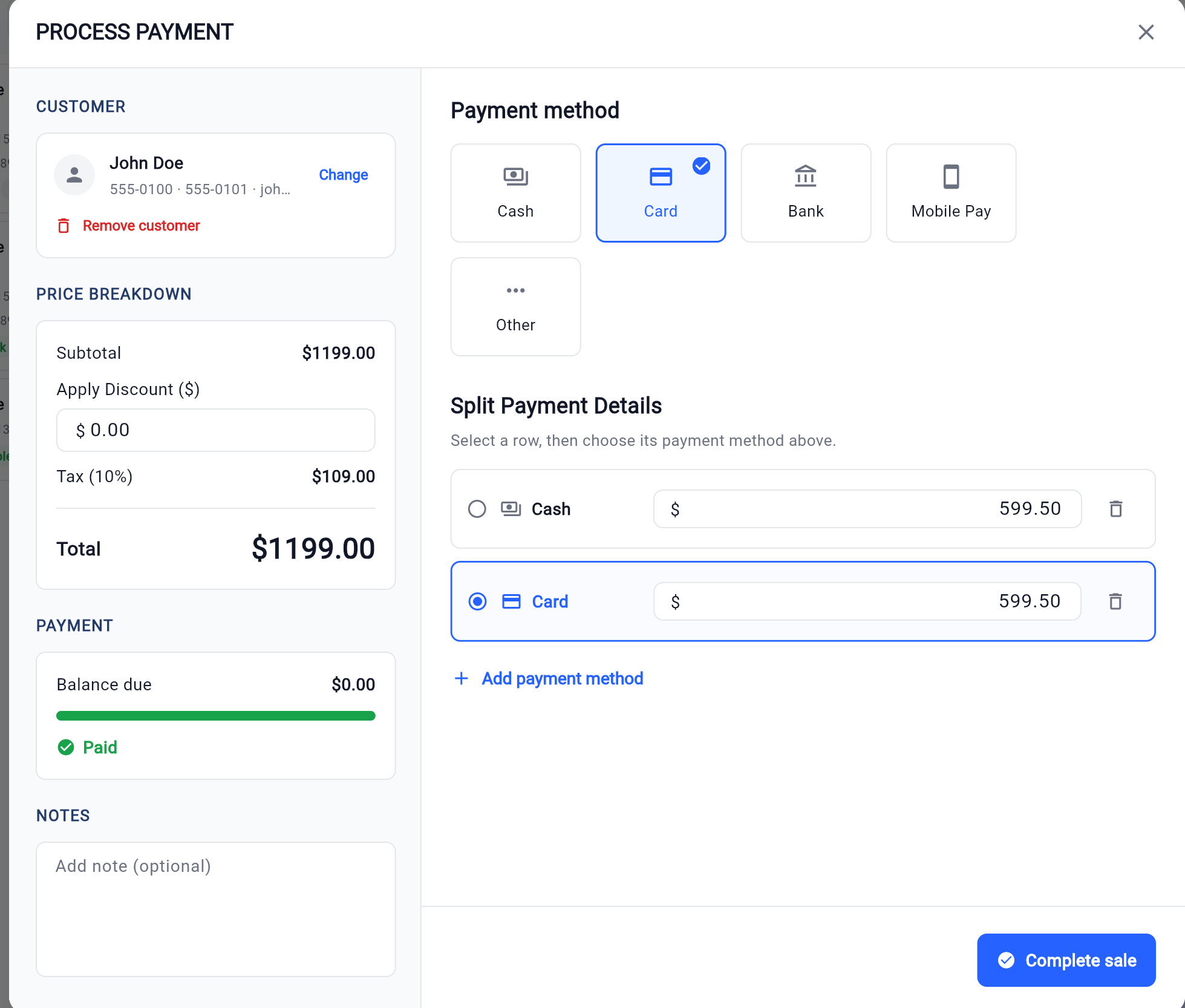
Handle cash, card and other payment methods in the same checkout.
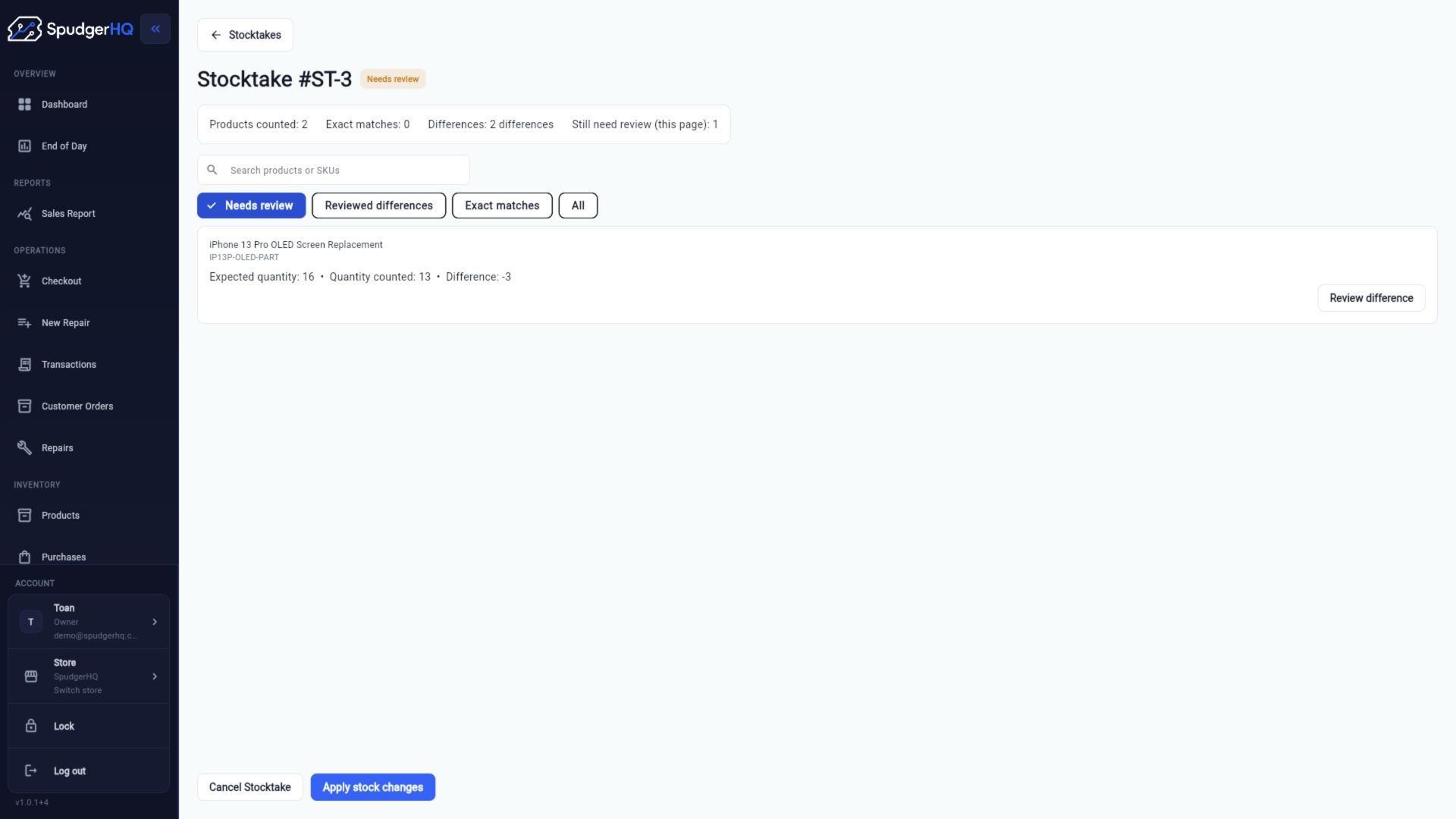
Count physical inventory without showing staff the expected quantity, then review the variance.
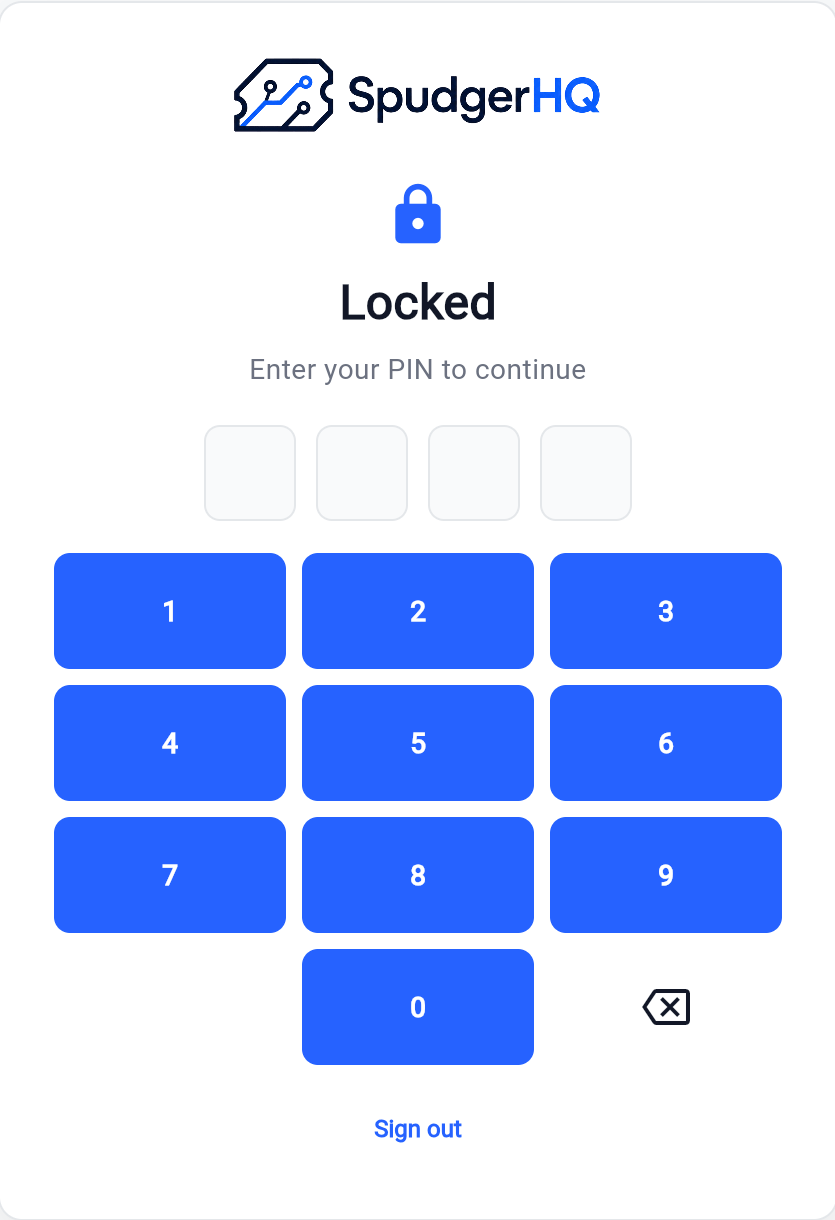
Protect a shared front-counter workstation without signing everyone out of the account.
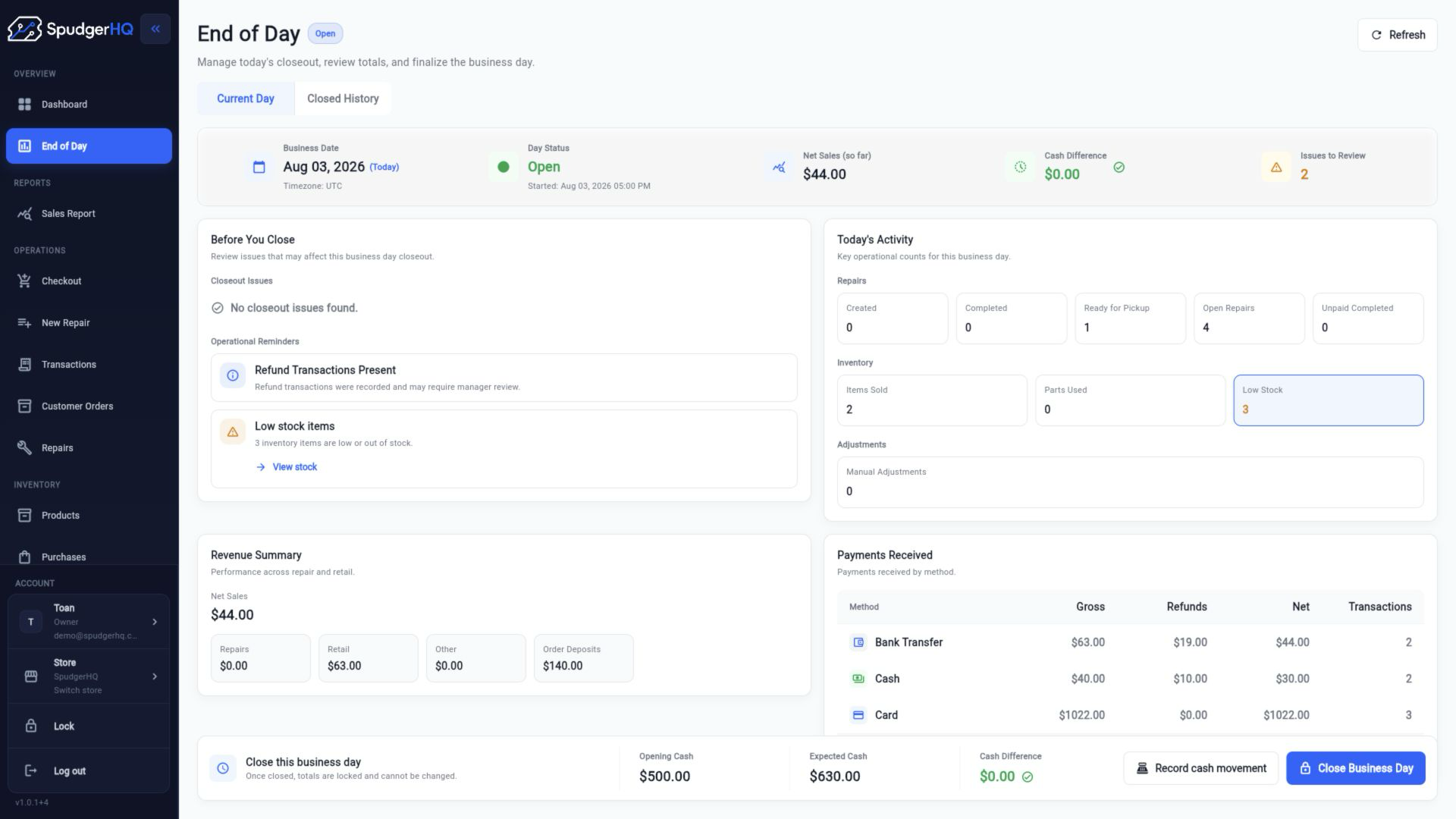
Count cash, compare actual and expected totals, close the business day and retain the historical snapshot.
14-day free trial
Set up your shop and test the complete workflow for 14 days. Continued use after the trial requires a paid Solo or Team plan.
Joining early? Launch pricing is available for qualifying sign-ups through December 31, 2026.
New users receive a 14-day free trial. Continued use after the trial requires a paid Solo or Team plan.
The SpudgerHQ free trial lasts 14 days.
No. Repairs are one part of the system. SpudgerHQ also connects customers, devices, inventory, purchasing, POS, customer orders, stocktakes, reporting and end-of-day workflows.
Yes. Use the live demo to explore a demo workspace.
Yes. The Team plan supports staff accounts, roles and permissions, individual staff PINs, technician assignment and staff activity attribution.
SpudgerHQ is designed for desktop, tablet and mobile workflows. Some interactions adapt to the device being used.
Try SpudgerHQ free for 14 days, then continue with a paid Solo or Team plan.
Early Launch plans from $3/month